Hi there,
I’ll just start off by saying, I’m totally new to having my own 3D printer.
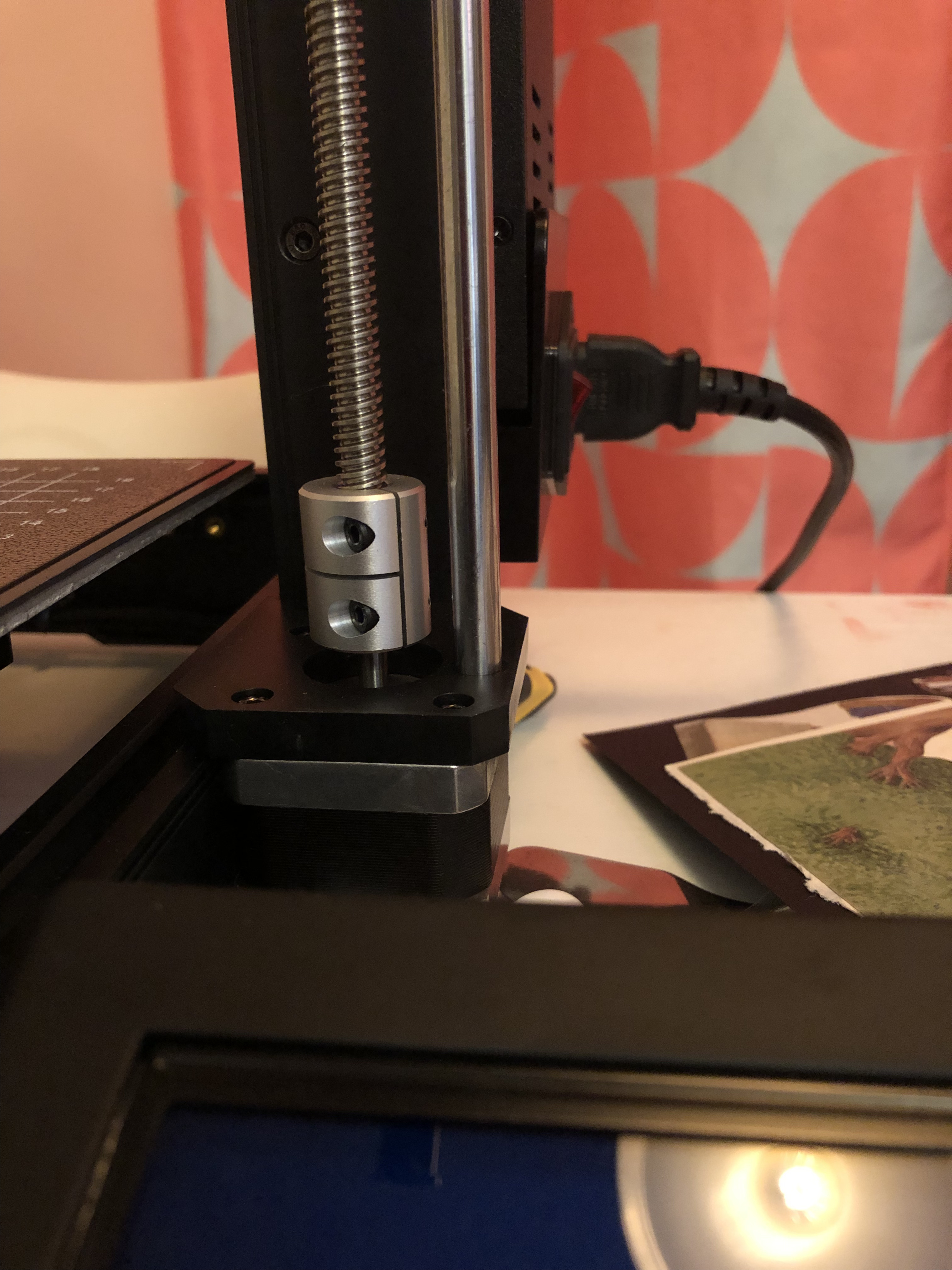
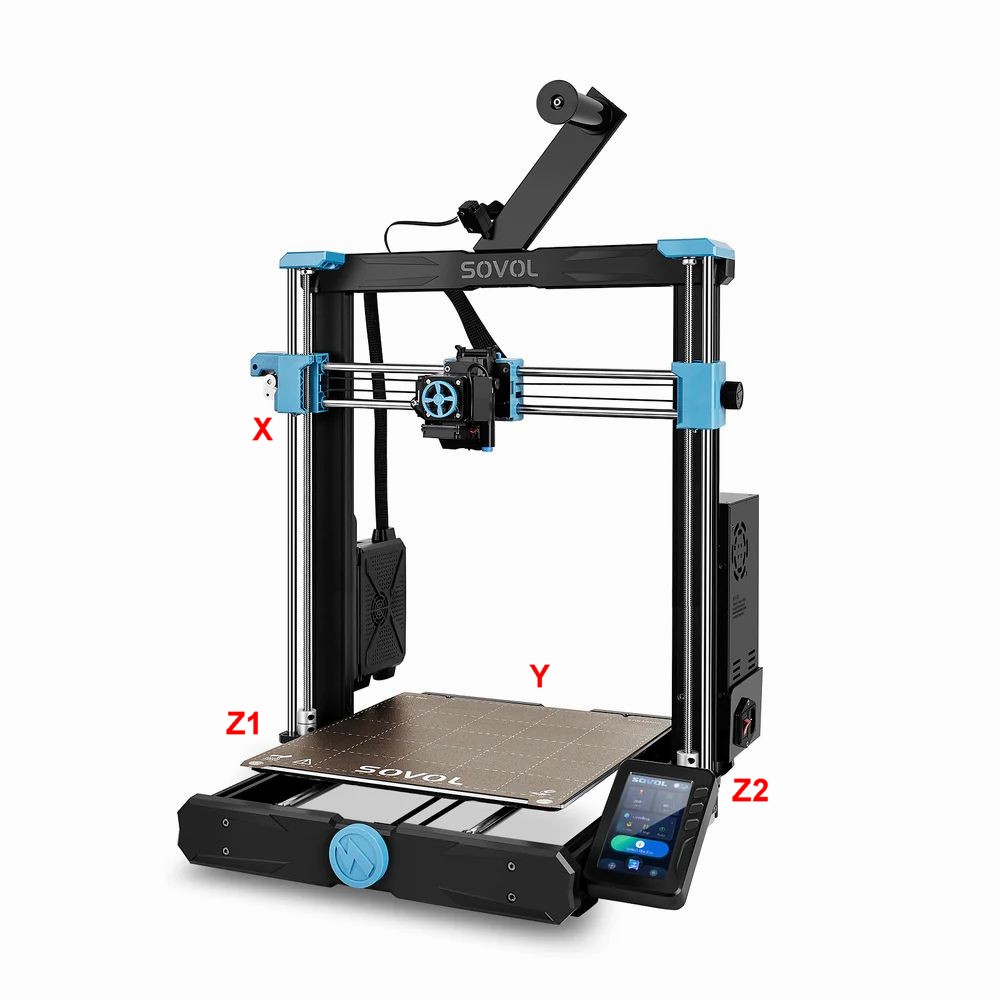
I just set up a totally new out of the box SV06 and I’m doing the first levelling step (5.1) and the x-axis does not move to the top. It moves a tiny bit. I see that the cylinders around the rods at the bottom of the gantry look kind of out of whack. The left is flush w the bottom the right is not. See photo of right side (I cannot post more than one image because I am a new to the message board). That they are uneven seems to be a problem maybe?
Anyway, when that appears to be done I do 5.2 Bed Levelling Auto Home and it’s getting warmer but never fully warms up and then I get a Homing Failed Printer Halted Please Reset message.
Any advice here? Thank you 1000 times in advance.
Sommer