I had issues with LAN before but at the end at some point I would start to work. This time is different it stopped work completely. Messages suggest faulty hardware. I have Network Cable Tester so this is not an cable issue. Is it possible that board itself is faulty?
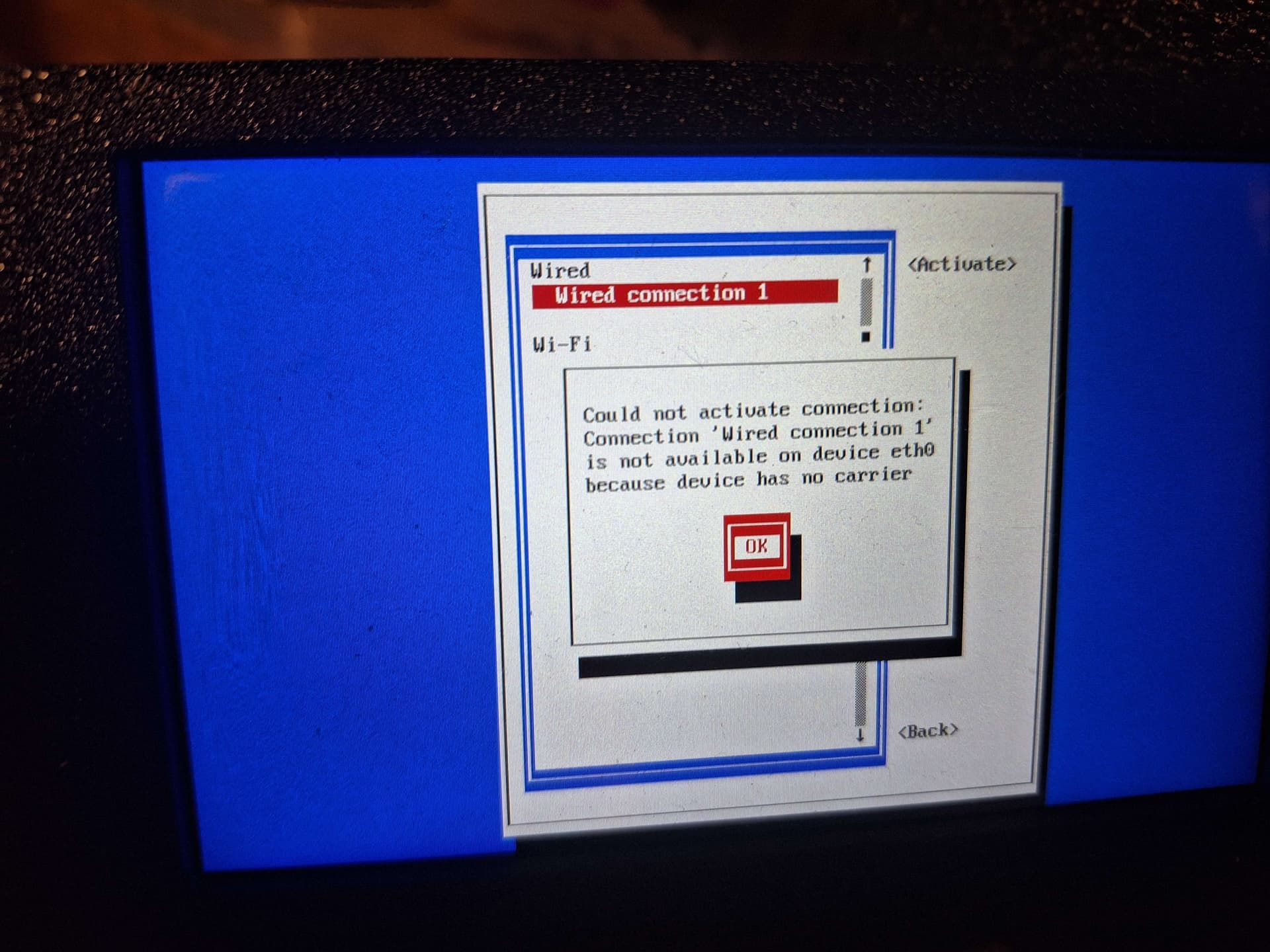
I did wiggle Ethernet cable in socket a little and this did help resolve the issue. I hope this was just dust inside not a faulty LAN port.
Hello,
If I were you, I would blow air into the RJ45 sockets and change the cable.
Who knows?
I changed title of the topic, because I think that SV08 MAX V1.0 needs general thread about hardware faults and solutions, and I do not want to create new one (I already created too many topics).
- Bed heater and Host fans are horrible. I replaced default Host fan (it is load as ….) with Noctua NF A4X10 40mm PWM 24V on day 2 after initial print. It was easy because connector is universal and Noctua provided adapter for it, but the Bed heater fan around one month started to sound like electric saw (recording below)
Connecting Noctua replacement wasn’t easy either. Connectors are not compatible, but I reused cables from enclosure fan connectors (I do not have kit) and connected it to Noctua via UY connectors. BTW @sovol3d I would be better if you were create documentation not only for whole connectors but for separated pins also. I used those references to create adapter:

- If you experiencing Z wobble check rollers. In my printer 3 of them from day one was damaged.
Results of replacing stock fans (in idle):
I used 2x Noctua NF A4X10 40mm PWM 24V.
This mod has two versions, for SV08 MAX with and without enclosure kit:
- The mod version for printer without kit is much better because for Host cooling we can use one of ports that are used in enclosure kit cooling (2). The Bed heater fan (1) is already connected to 4 pin connector Picture below:

Printers without enclosure have enclosure fan cables inside anyway so you can reuse them because Noctua connectors are not compatible with Sovol board so some cable work was needed. I used UY connectors and below references to connect it.


Heat bed fan is already configured so no need to change anything in config but Host fan in stock version is connected to board only via 24V pin so it is always on on 100%. So config supplement was needed. I added this config to printer.cfg:
[temperature_fan host_fan]
pin: PB0
max_power: 1.0
shutdown_speed: 1.0
cycle_time: 0.00004
hardware_pwm: True
kick_start_time: 0.5
off_below: 0.25
tachometer_pin: PB1
tachometer_ppr: 2
tachometer_poll_interval: 0.0015
sensor_type: temperature_host
control: watermark
min_temp: 0
max_temp: 100
target_temp: 70
max_speed: 1.0
min_speed: 0.3
“cycle_time”, “hardware_pwm”, “tachometer_ppr” and “tachometer_poll_interval“ parameters were check against Noctua documentation. This config also allow to change target temp in printer’s web page:

For the printer with enclosure we unfortunately must give up fan control for Host because of lack of ports, but on the bright side Noctua supply 24V connector out of the box so no cable work is needed, just connect and that’s it.

