When I try to pause the print, it pauses but automatically resumes after a few seconds. This happens when I have enabled the timelapse with toolhead park setting to get clean timelapses.
You are using the touchscreen to request a pause?
What happens if you pause in Mainsail or Fluidd?
I tried both the touchscreen and Orca Slicer.
One thing I noticed is that when the tool head is getting parked for capturing a frame for a timelapse, the touchscreen shows it’s paused and then it unpauses automatically. It seems like the tool head park does pause and resume internally, which causes the pause to not work, as when the resume command is fired by the timelapse, it auto-resumes.
Is there a way to pause the G-code execution?
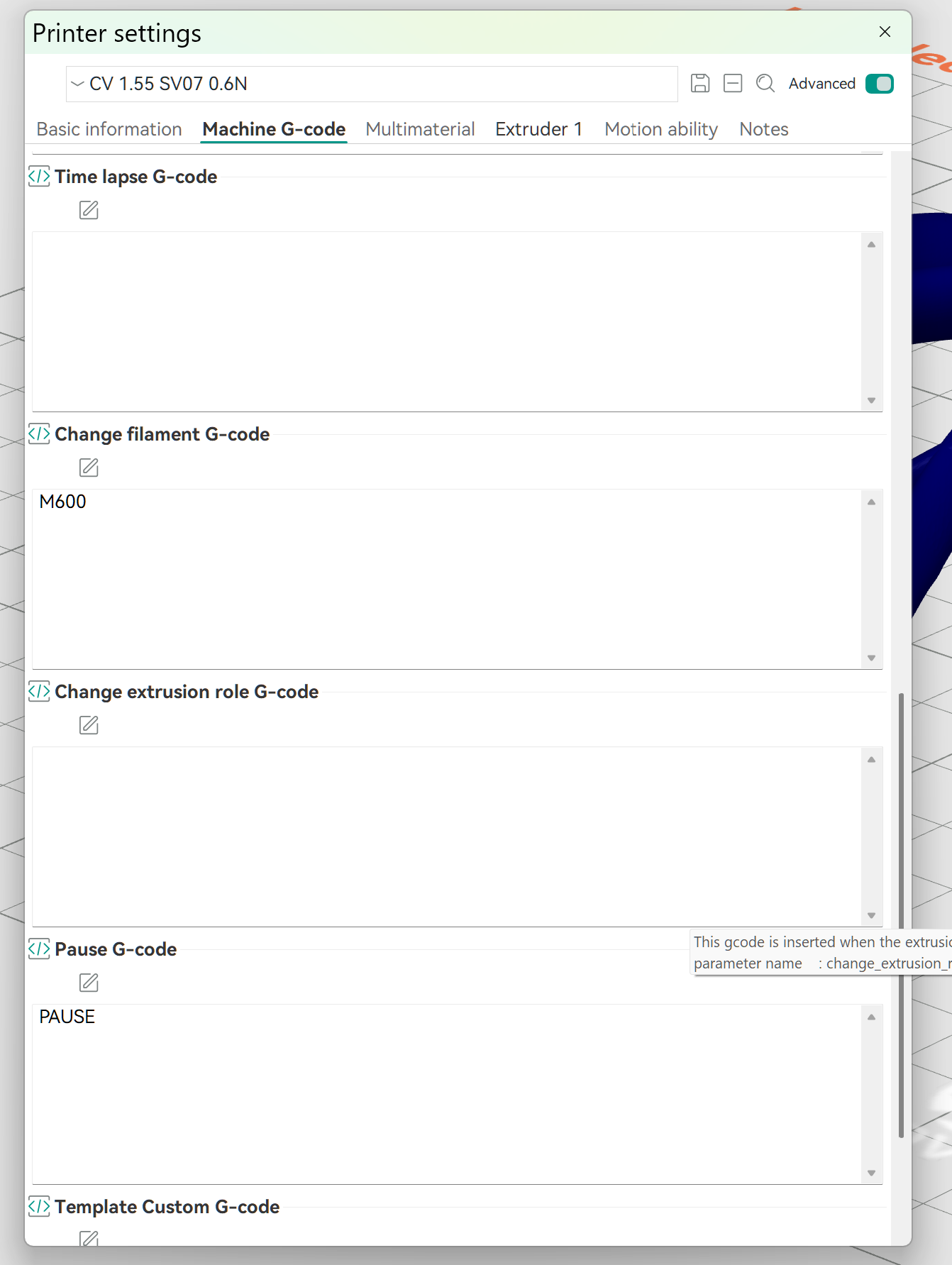
I looked at the macros.cfg files for a stock SV06Ace installation.
The pause macro it too complicated for this old man.
I recommend you create a topic at General Discussion - Klipper
Be sure to download klippy.log from your printer (in Orca) and attach it as a .zip to your post.
Thanks, I created a topic at Klipper as you suggested.
Looks like I led you astray. The Ace runs custom code for the loadcell in the toolhead. The official Klipper team (rightly) refuses to support “dirty” installs.
Your issues, however, don’t seem to be related to the custom modules.
Open a support ticket by emailing info@sovol3d.com. Include your order number.
Please keep us posted on how things progress.
I have sent an email will update when I receive a response.