So, background, I’ve had my t300 for a year and a half. Been an absolute workhorse for me. Few little issues here and there, no big deal.
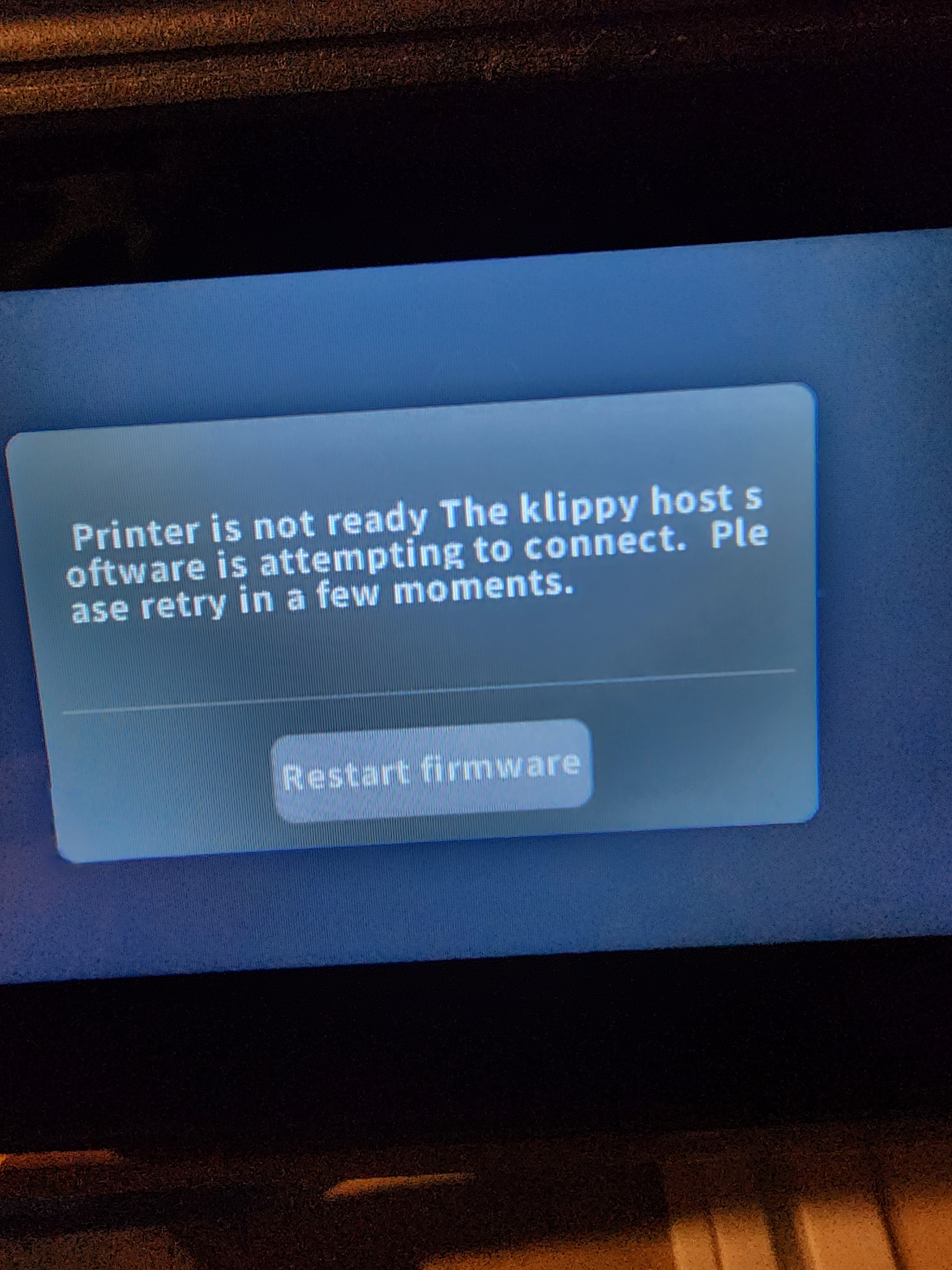
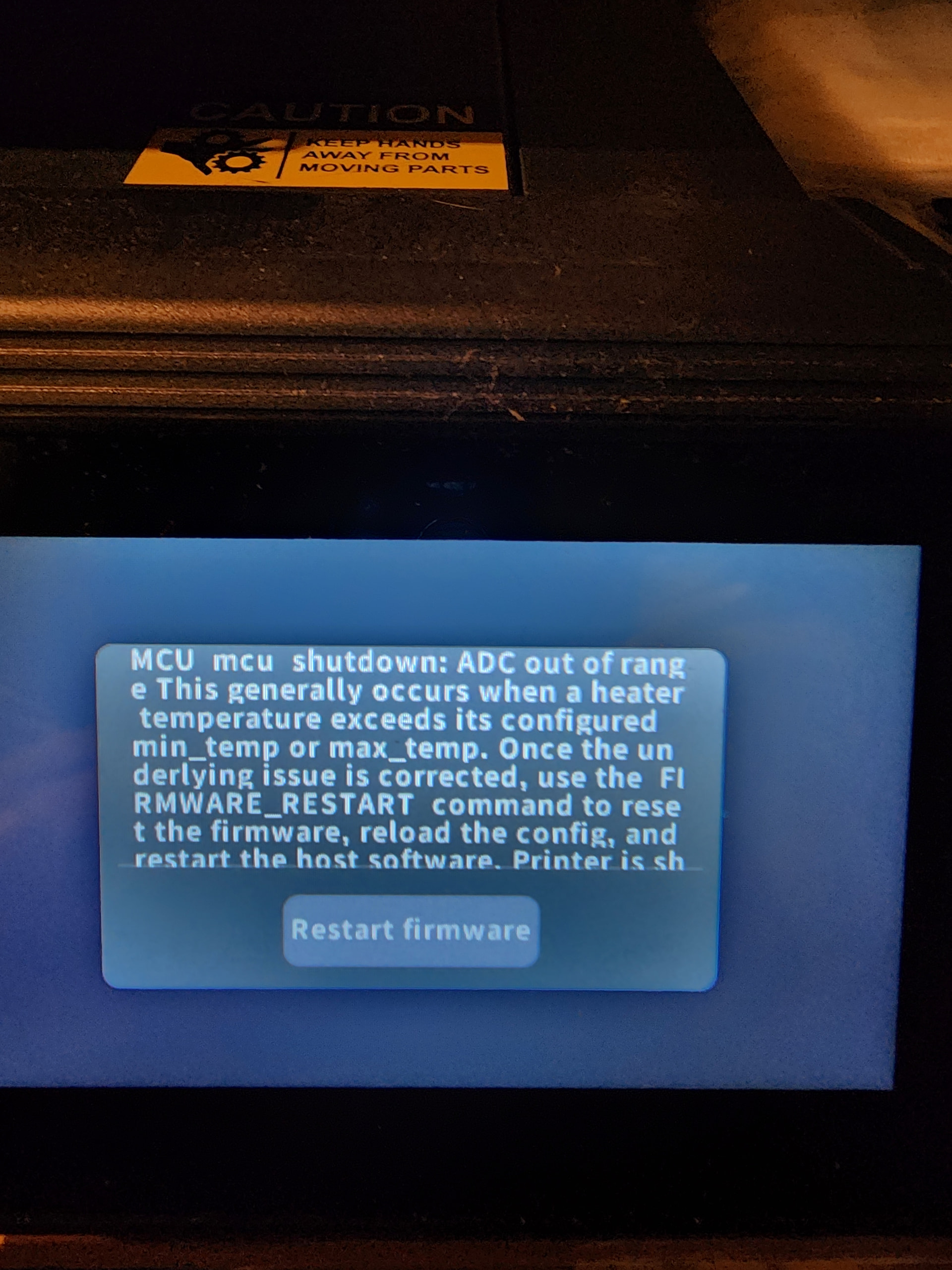
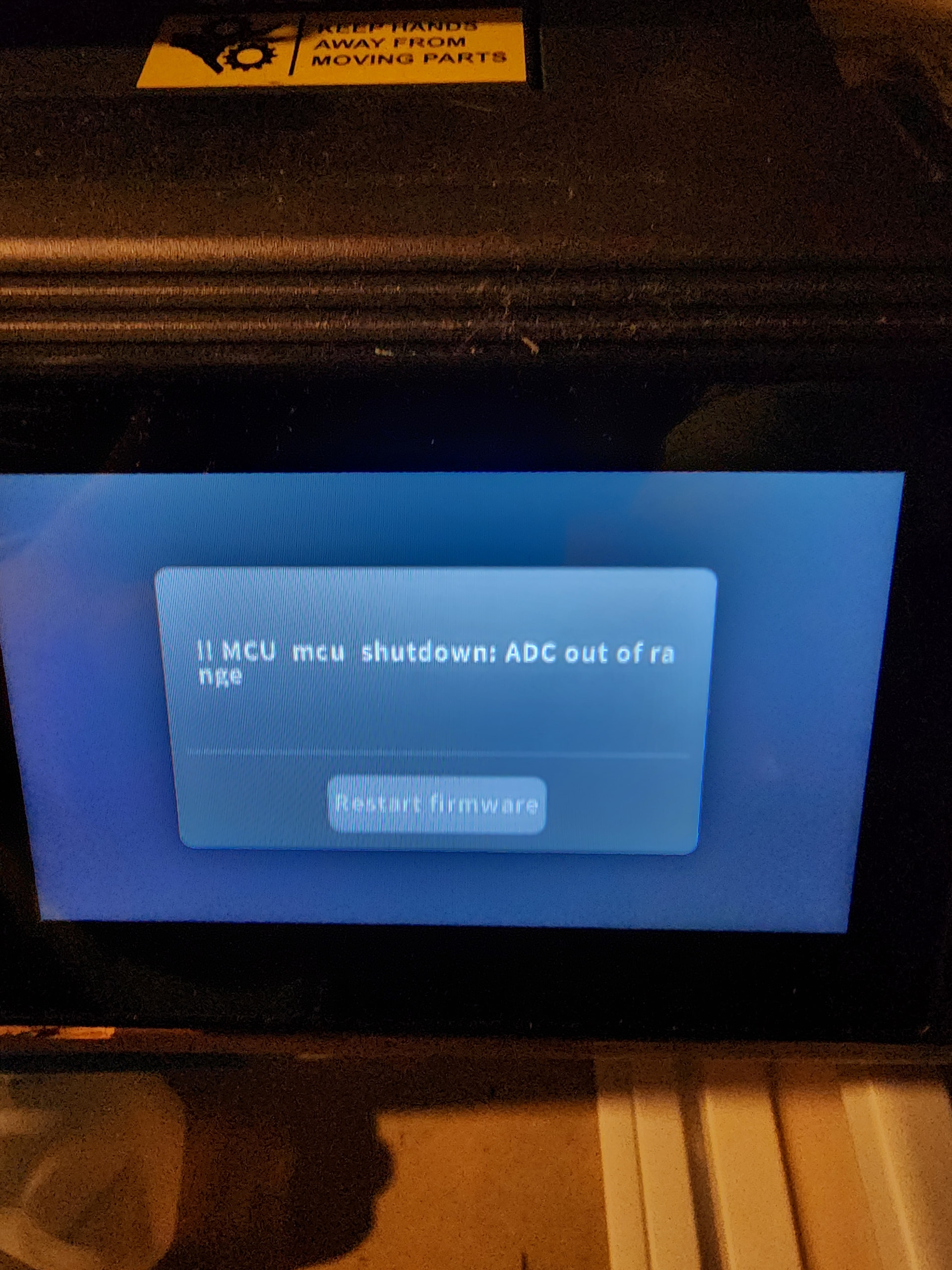
About a month ago, I started getting random errors, or the print would shut down at 90%. Just weird problems. Was getting some klipper errors. Tried reinstalling firmware. Same issues. Went to flag a backup image to it. That’s where things went wrong. Wouldn’t finish the flash, essentially mucked up the software. Could no longer get past comgrow black screen. Bought a new EMMC and adapter. Flashed, but still wouldn’t get past that screen. Figured it was a bad board. Purchased the board that came with the EMMC on it. Go to fire it up after waiting for over 2 weeks for it to come in. Errors. MCU errors, restart firmware. Printer not ready, Klippy is attempting to connect errors. Restart firmware.
Best one, Printer is Ready, stuck on the screen, can’t do anything with it. Flashed the most recent firmware already. I’m at a loss. I love this machine, or i did. I wish sovol didn’t give up on this machine so quickly. No new software since match of last year. Anyone got another direction for me to go in?
Can you temporally move your printer close enough to your router to connect a ethernet cable?
Alternately move the router to the printer but I assume that would disconnect your internet, which would be okay if you don’t end up needing to google something.
It may be possible to SSH over serial. The board will have a USB to serial converter. When you connect your PC Windows will install a driver (if needed) and create a com port. Open device manager and open the [ports] category. Unplug and then reattach the printer board and see which port goes away and comes back.
Start with the USB-C port but if it doesn’t trigger a port then try the others.
Open putty and select the serial button, change the com port and set the speed to 150000. You may need to try different speeds.
If the web UI won’t load you’ll need to get the log via SSH. WinSCP is a file manager that connects via SSH. Is MUCH easier to download than via a terminal session.
Note: I have the T300 recovery image mounted on my system and screenshot is not WinSCP. WinSCP looks like below but Comgrow uses non-standard folder locations for logs and configs.
They apparently trust me now to put in attachments. Here is the log. I just have no clue what I’m looking at or for, if someone can point me in the right direction. I’m just at a loss because this is a new board, with a factory EMMC and firmware. It should have just gone in and worked, unless something is saved somewhere else like the screen, but i did the update anyway after I got the board, so it would have flashed the screen files as well
I believe it’s the .tft fine you rename klipper, at least that was my understanding. When I get home from work I’ll trying to unplug the screen and restart…see what I get
OK, tried a few times with screen unplugged. This is what I get, and the log file attached.
If i saw right in another post, the img that’s on the t300 firmware page is not the full image, but just the update, is this correct? Where can i get a full image?